Autonomous Tasks
Autonomous Tasks are an optional step in the AI Assistant Setup Wizard (Step 3). They let you define recurring or policy-driven work the platform can perform with less manual prompting—within the same connector and capability guardrails as chat-based use.
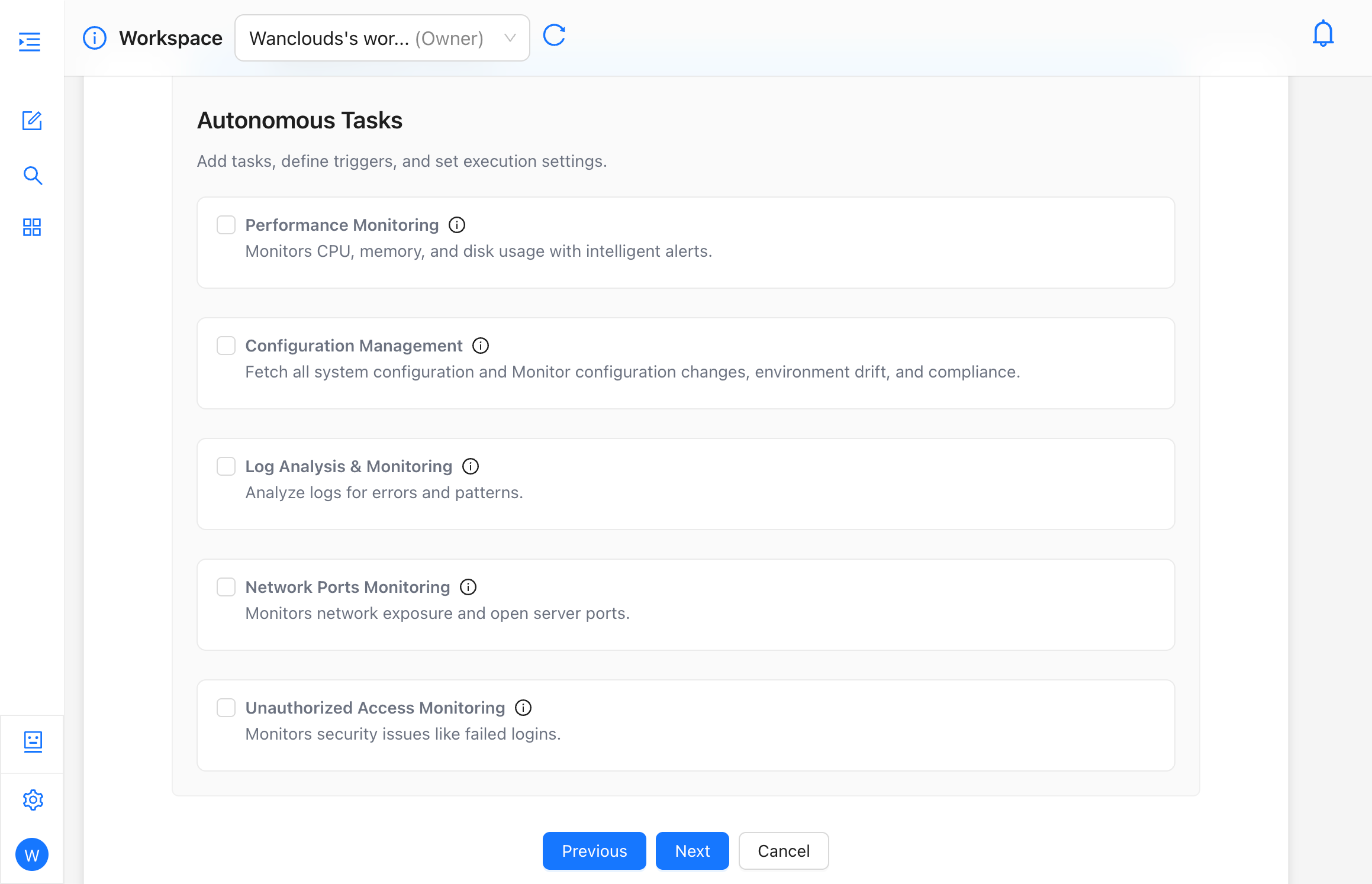
When to Use Them
- Repeated operational checks (for example health sweeps or report-style summaries) on a schedule.
- Light automation that your organization has approved to run without a human in the loop each time.
Available Task Types
Each task type can be enabled independently and configured with its own check frequency and thresholds.
Performance Monitoring
Monitors CPU, memory, and disk usage with intelligent alerts.
- Check Frequency — how often the check runs (e.g. every 5 minutes).
- CPU Usage Exceeds Threshold — alert when CPU usage crosses this percentage (e.g. 90%).
- Memory Usage Exceeds Threshold — alert when memory usage crosses this percentage (e.g. 85%).
- Disk Usage Exceeds Threshold — alert when disk usage crosses this percentage (e.g. 90%).
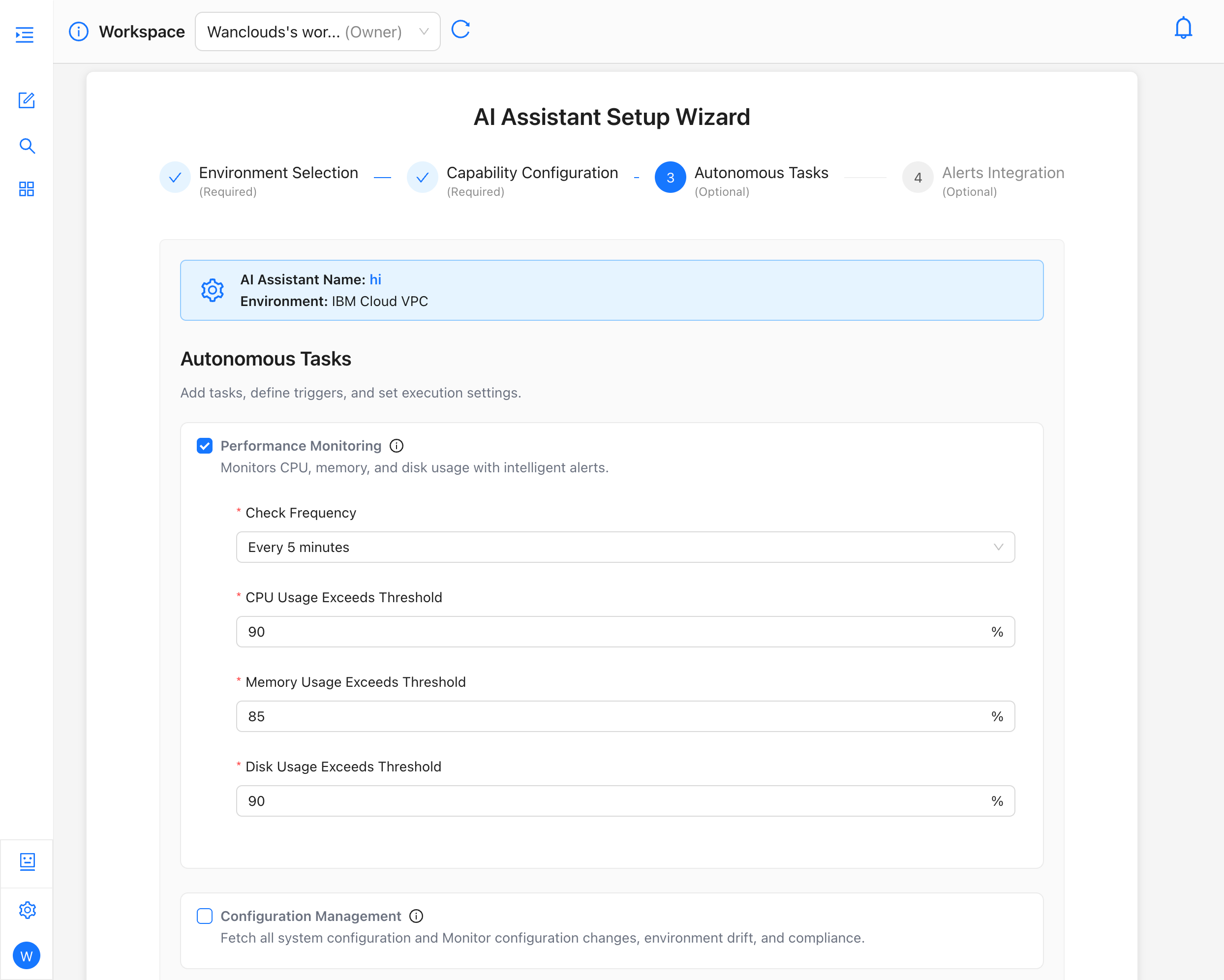
Configuration Management
Fetches all system configuration and monitors configuration changes, environment drift, and compliance.
- Check Frequency — how often the check runs (e.g. every 5 minutes).
- Scope — select which areas to track:
- System Configuration
- Security Permission
- Software Updates
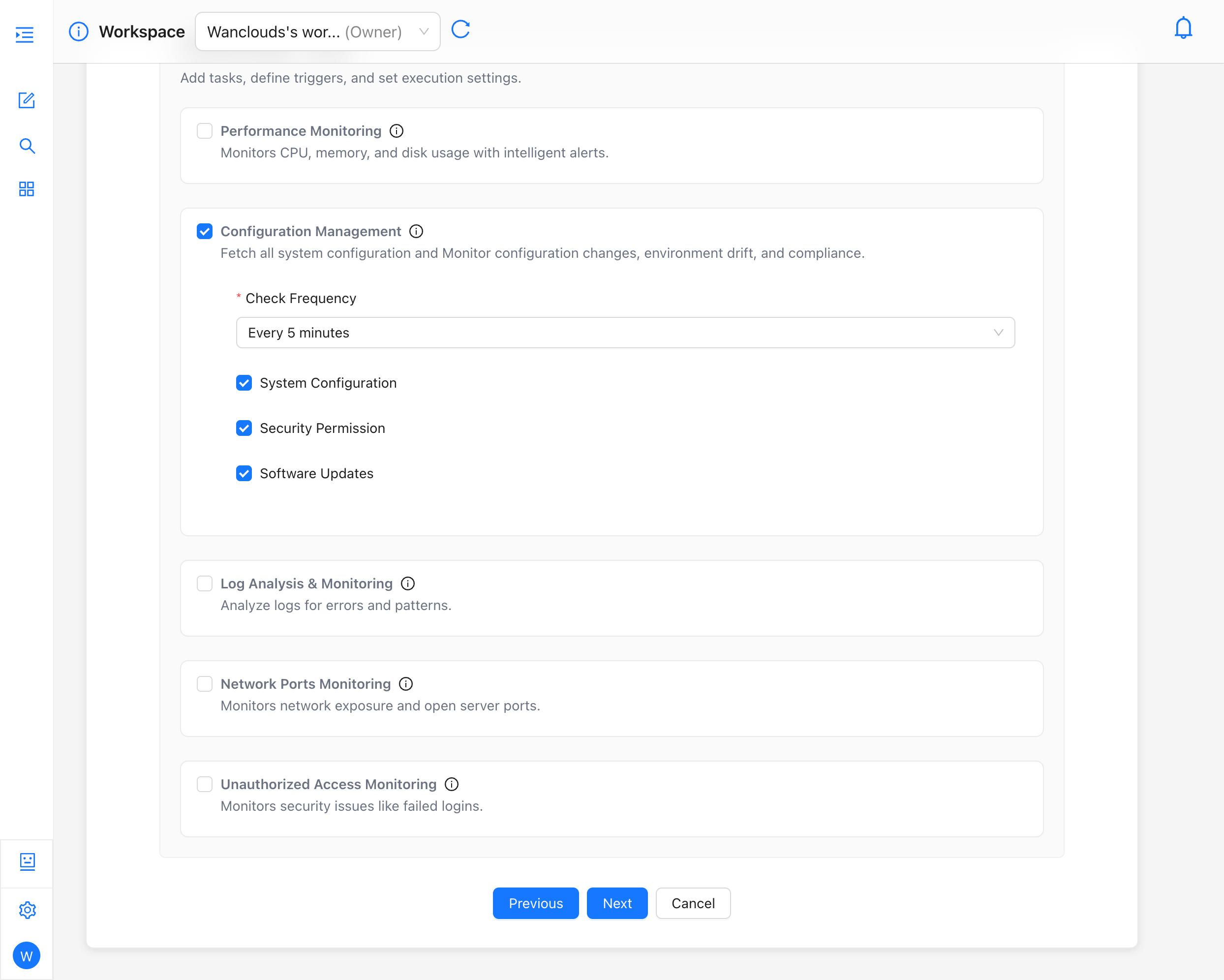
Log Analysis & Monitoring
Analyzes logs for errors and patterns.
- Check Frequency — how often the check runs (e.g. every 5 minutes).
- Log Categories to Monitor — select one or more categories, such as:
- System Logs
- Security Logs
- Authentication Logs
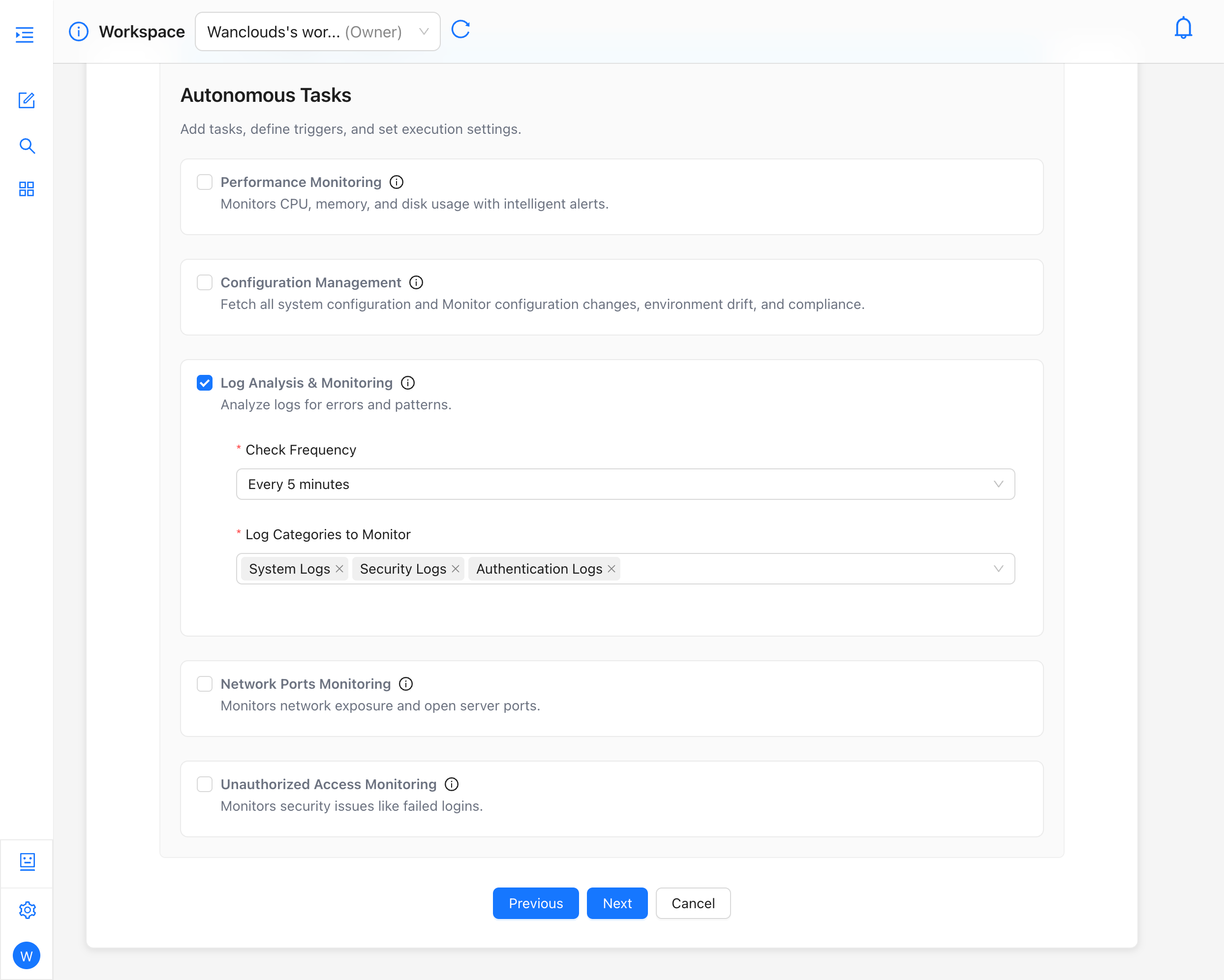
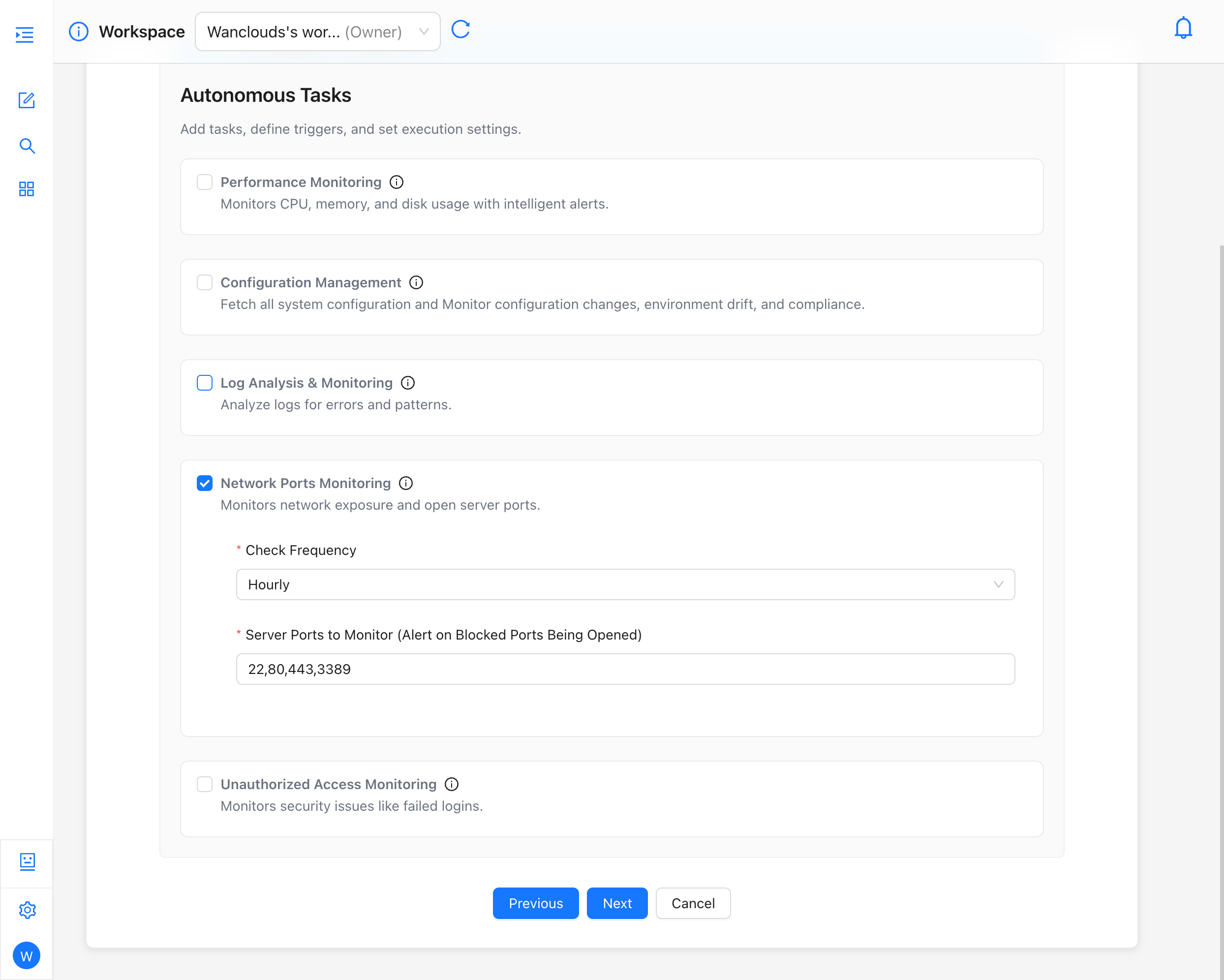
Network Ports Monitoring
Monitors network exposure and open server ports.
- Check Frequency — how often the check runs (e.g. hourly).
- Server Ports to Monitor — a comma-separated list of ports; the task alerts when any blocked port from this list is opened (e.g.
22,80,443,3389).
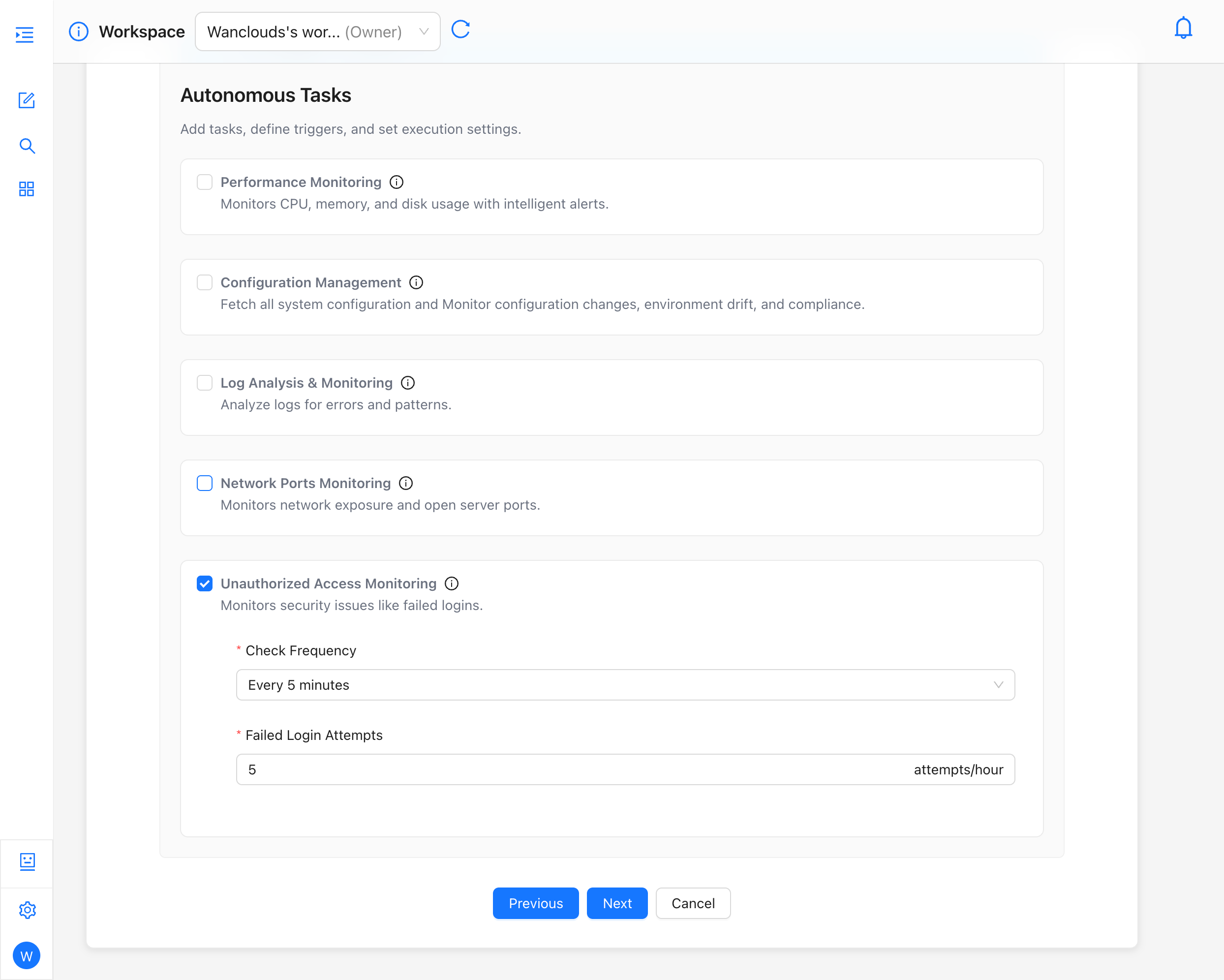
Unauthorized Access Monitoring
Monitors security issues like failed logins.
- Check Frequency — how often the check runs (e.g. every 5 minutes).
- Failed Login Attempts — the threshold, in attempts per hour, that triggers an alert (e.g. 5 attempts/hour).
How They Relate to the Rest of Setup
- Complete Environment Selection and Capability Configuration first.
- Open Autonomous Tasks (Optional) in the wizard.
- Enable the task types you need and configure their check frequency and thresholds as described above.
- Review Alerts Integration if you want notifications when tasks fail or find issues.
Specific task types and scheduling options are defined by the product version connected to your account.
Related Topics
- AI Assistant Overview
- Backup, Restore & Migrate — Often complements scheduled protection workflows.