Quickstart Guide
Get Wanclouds AI up and running with your Infrastructure in just few steps.
Step 1: Create your Account
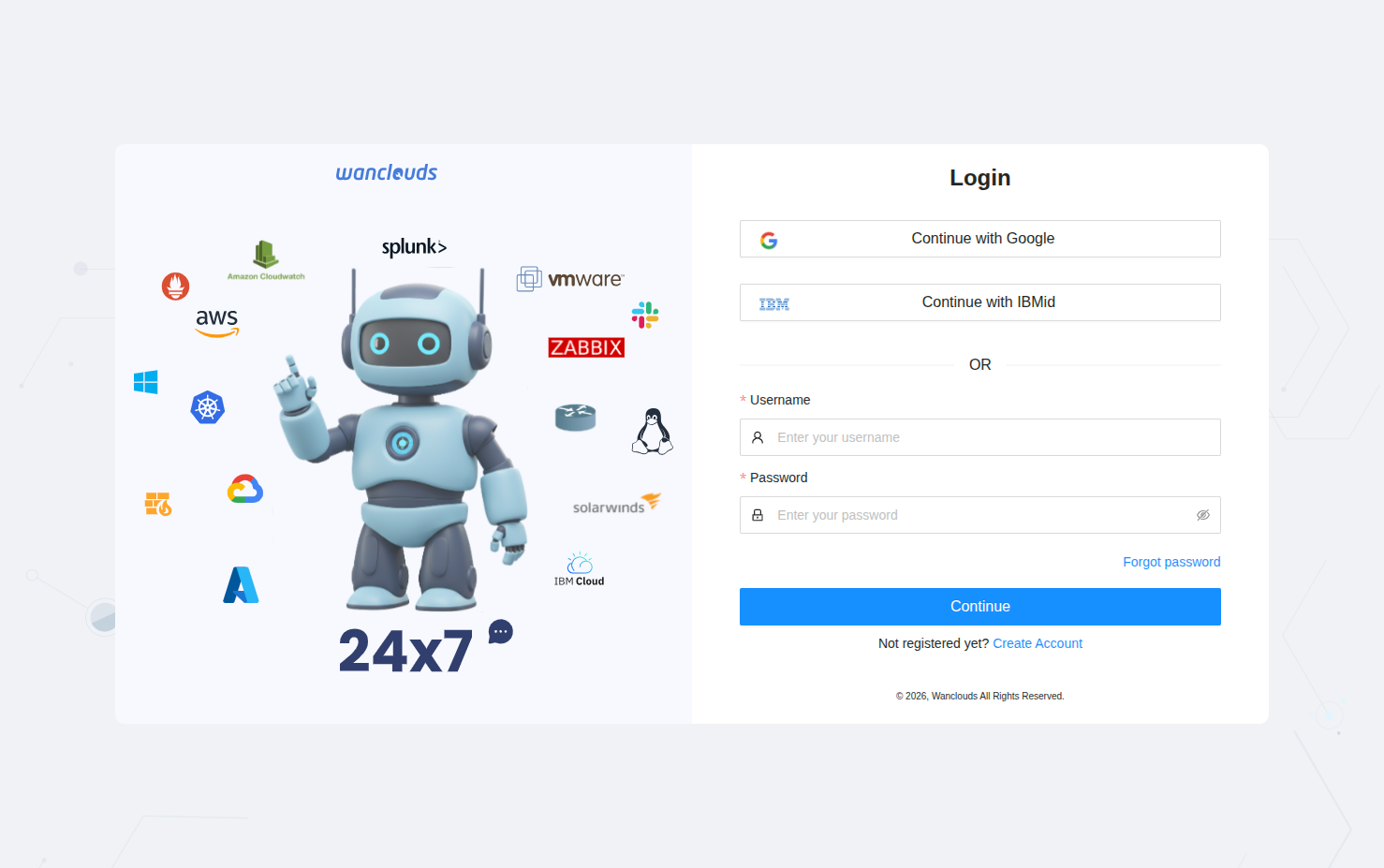
- Navigate to wanclouds.ai.
- Click Login or Register in the top navigation bar.
- Choose your preferred register or login method:
- Continue with Google – Use your Google credentials
- Continue with IBMid – Use your IBM credentials
- Register using Email – Enter your details and click Continue
Detailed guide: Register and Login
Step 2: Chat
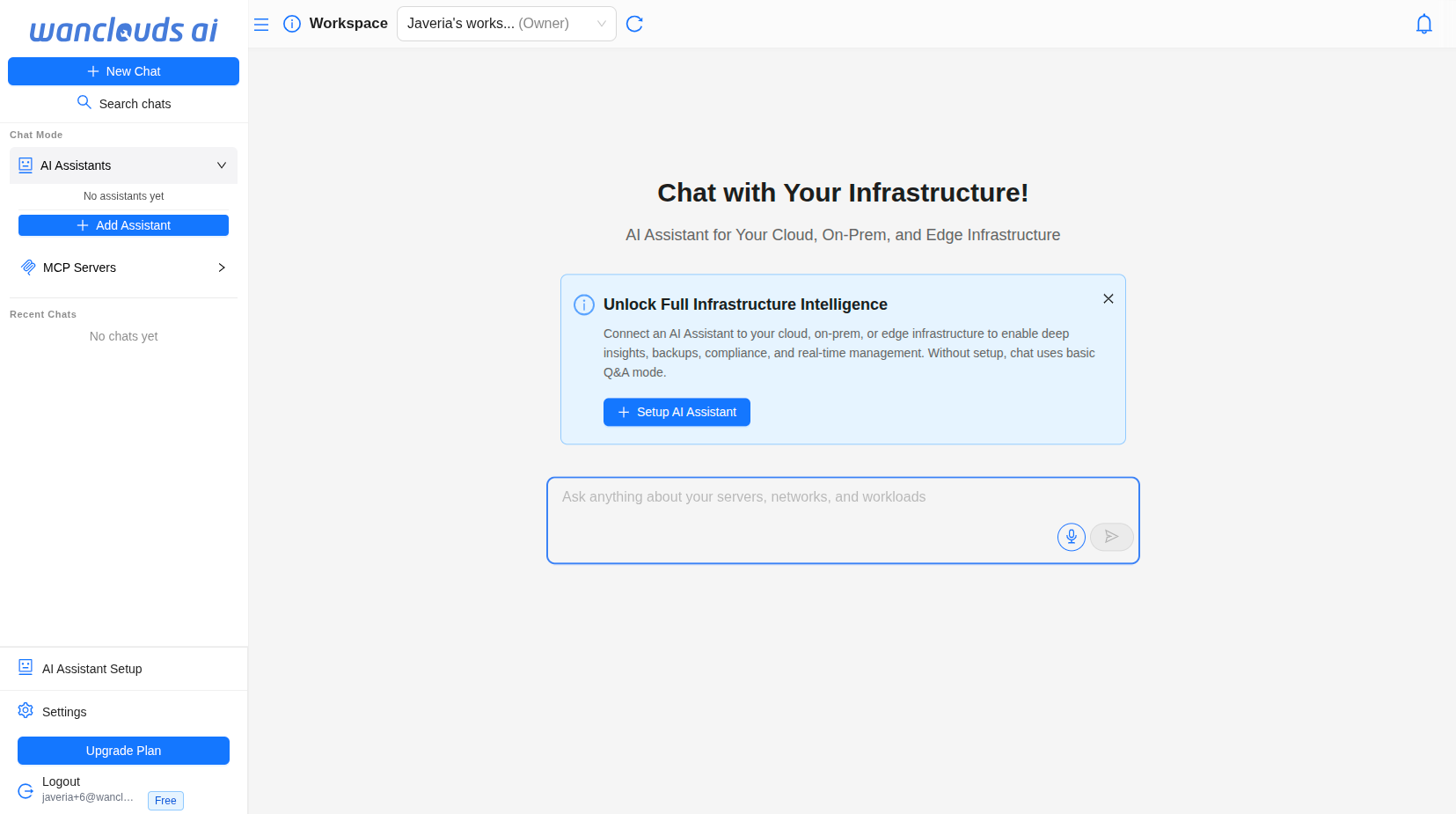
After login, you will land directly on the chat interface.
- A General Q&A Agent is available immediately — you can ask questions and explore the platform without any setup.
- To unlock full infrastructure management, complete Steps 3 and 4 to connect your infrastructure and configure a dedicated AI Assistant
Detailed guide: Your first chat
Step 3: Connect your Infrastructure
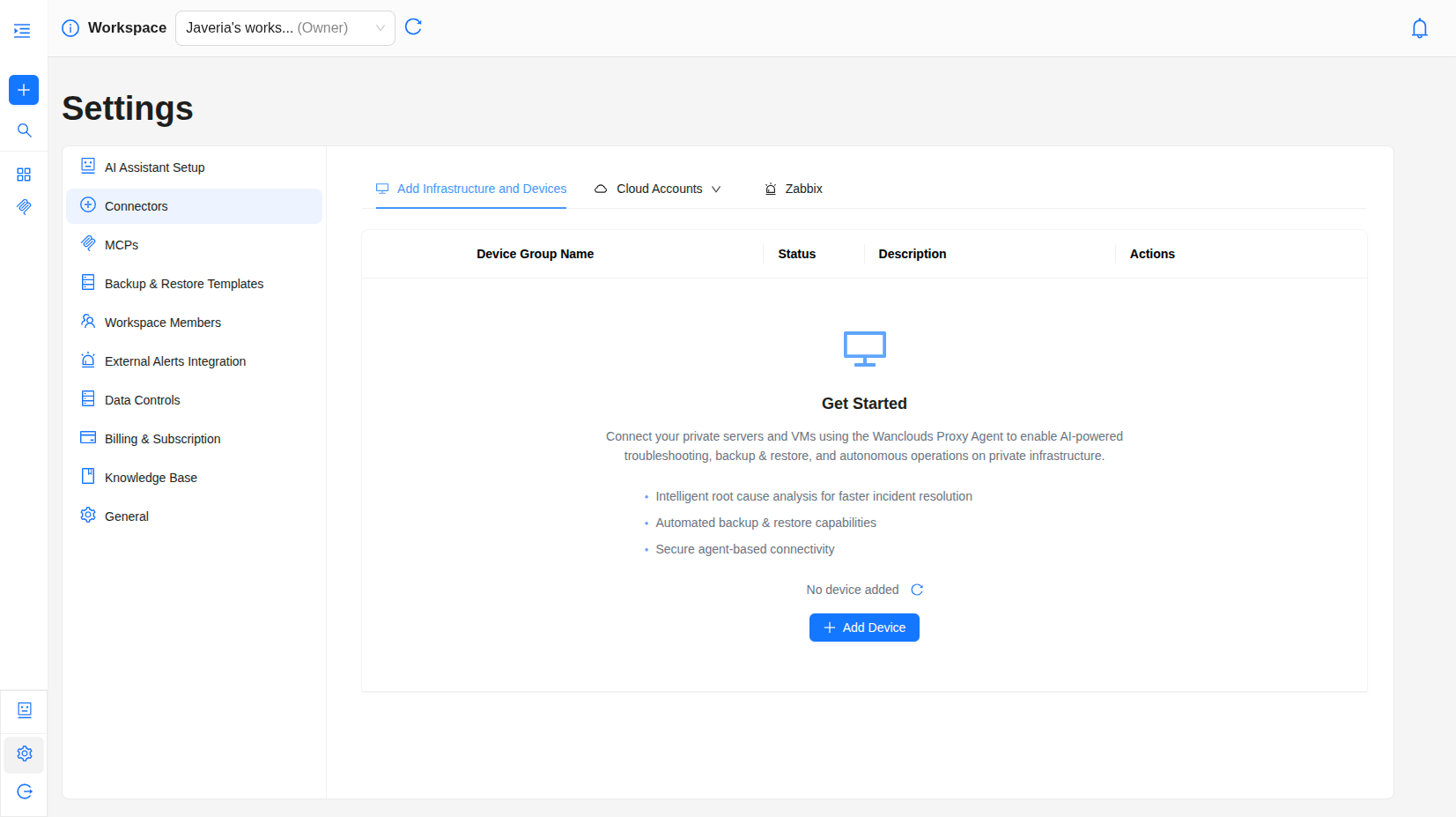
Connect the cloud or on-premise infrastructure and devices you want the AI Assistant to manage.
- Go to Settings → Connectors
- Select the tab for the connector type you want to add:
- On-Premise Infrastructure and Devices
- Cloud Connectors: IBM Cloud VPC, IBM Cloud Classic, Google Cloud Platform (GCP), and AWS (coming soon)
- Click Add Connector
- Fill in the credentials and Verify
Detailed guide: Connect your Infrastructure
Step 4: Create an AI Assistant
Set up an AI Assistant linked to your environment so you can query and manage infrastructure through chat.
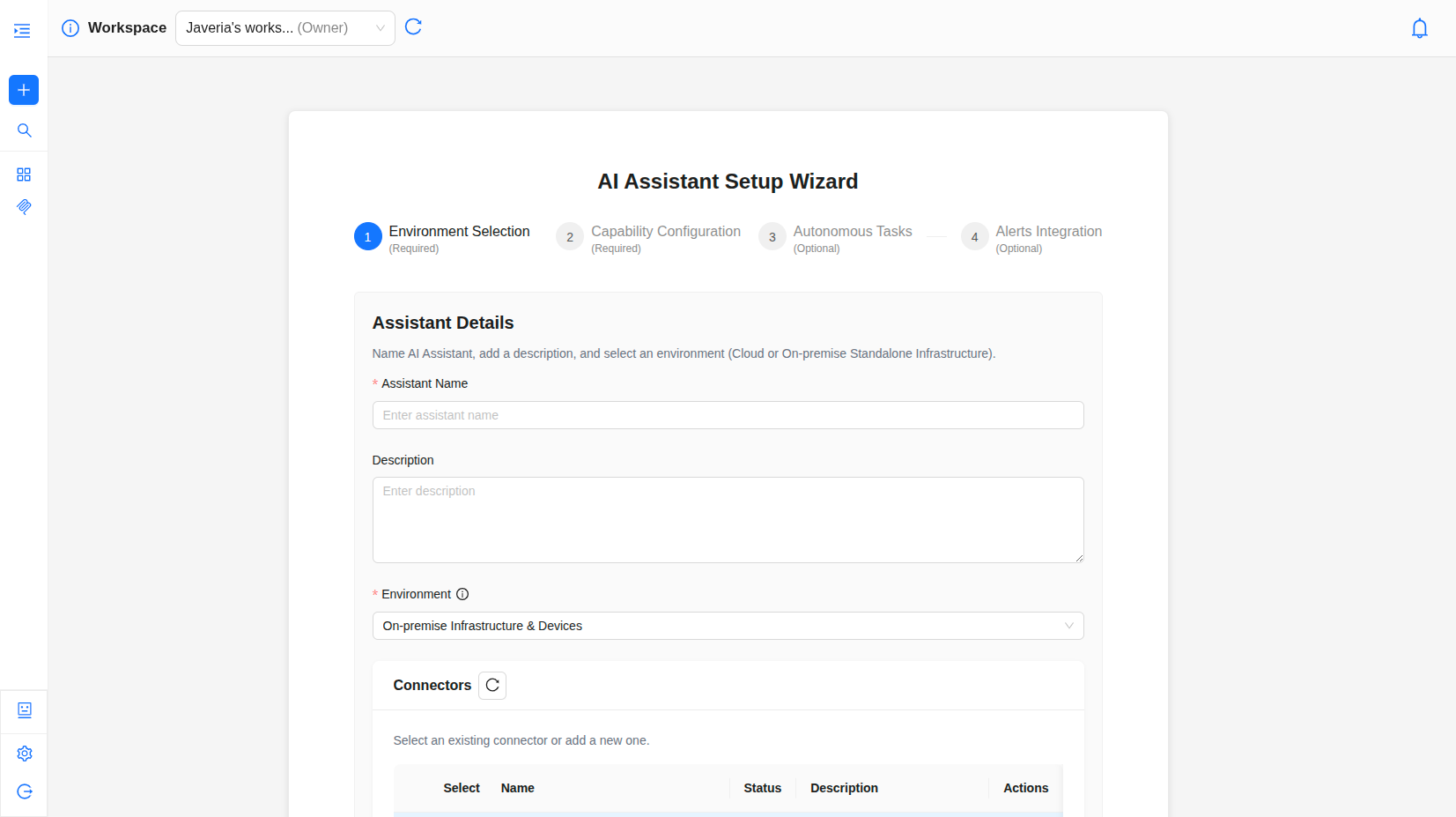
- Navigate to AI Assistant Setup from the sidebar and Click Setup AI Assistant or click on the + icon infront of AI Assistant in sidebar.
- You will be redirected to AI Assistant Setup screen.
- Configure your assistant through the following steps:
- Step 1 — Environment Selection and Configuration
- Step 2 — Capability Configuration
- Step 3 — Autonomous Tasks (Optional)
- Step 4 — Alerts Integration (Optional)
- Click Done
Detailed guide: Create an AI Assistant
Next steps
Explore AI Assistant capabilities to get the most out of Wanclouds AI.