Forgot Your Password
If you are unable to access your account, you can reset your password quickly and securely. The steps below outline the complete process.
Reset Your Password
Request a Reset Link
- Open the login form.
- Under the password field, click the Forgot Password link.
- Enter the email address you used while registering your Wanclouds AI account.
- Click Request Reset Link.
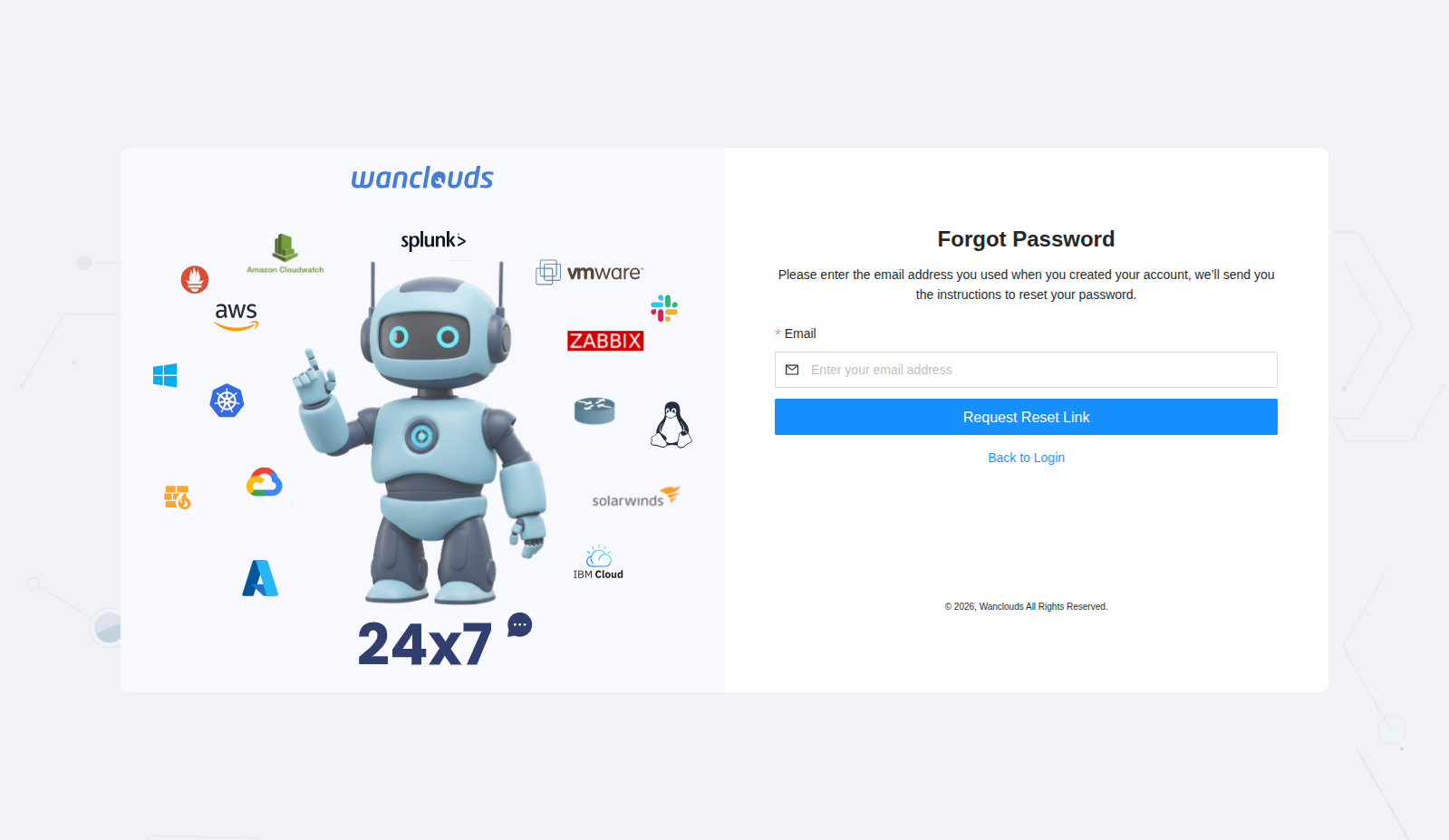
A password reset email will be sent to the email address.
tip
If you do not see the email, check your spam or junk folder.
Reset the Password
- Open the email from Wanclouds AI and click the Reset my Password button (or link) in the email.
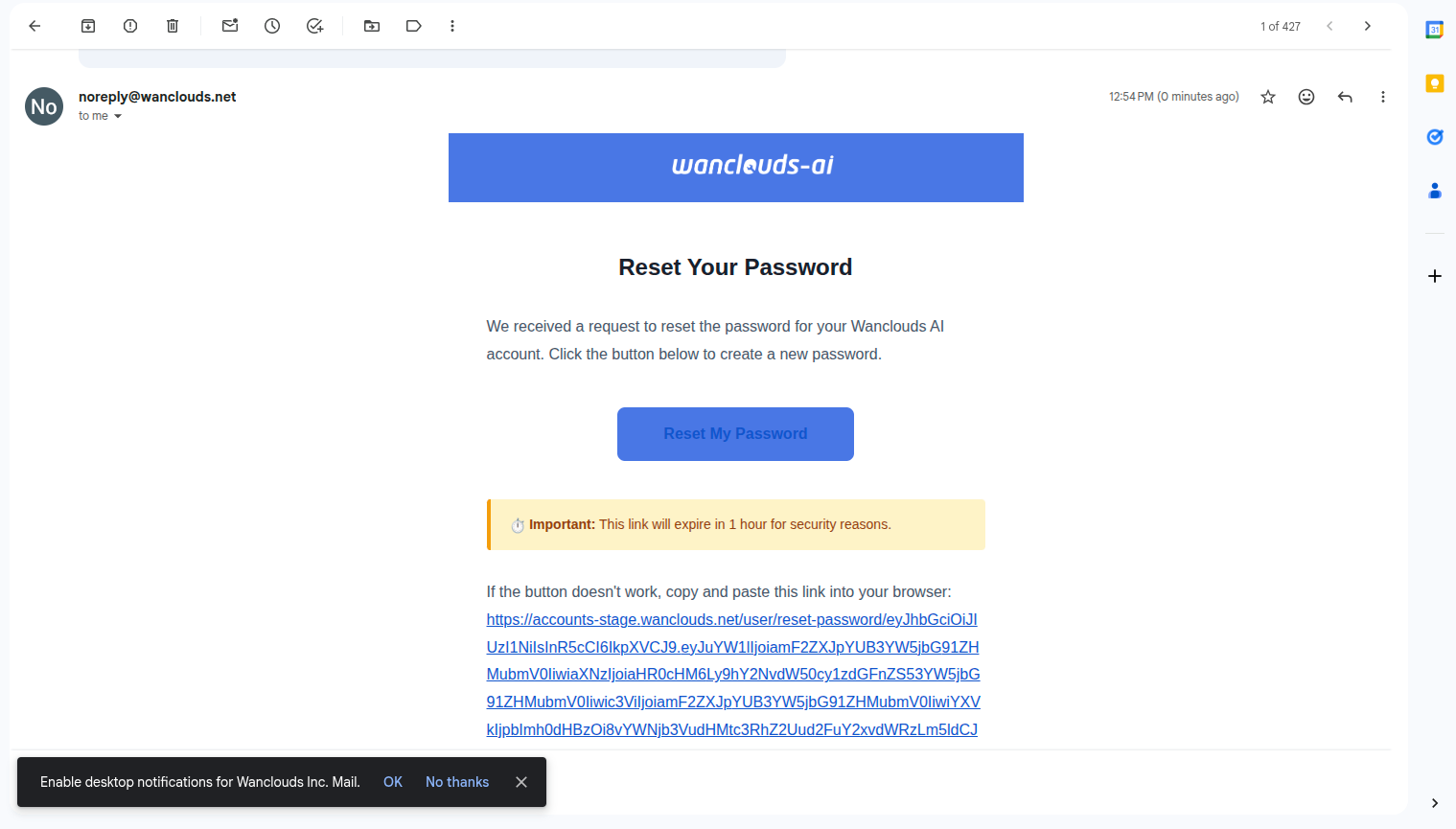
- You will be taken to the password reset page.
- Enter your new password and confirm it in the confirmation field.
- Click Reset Password.
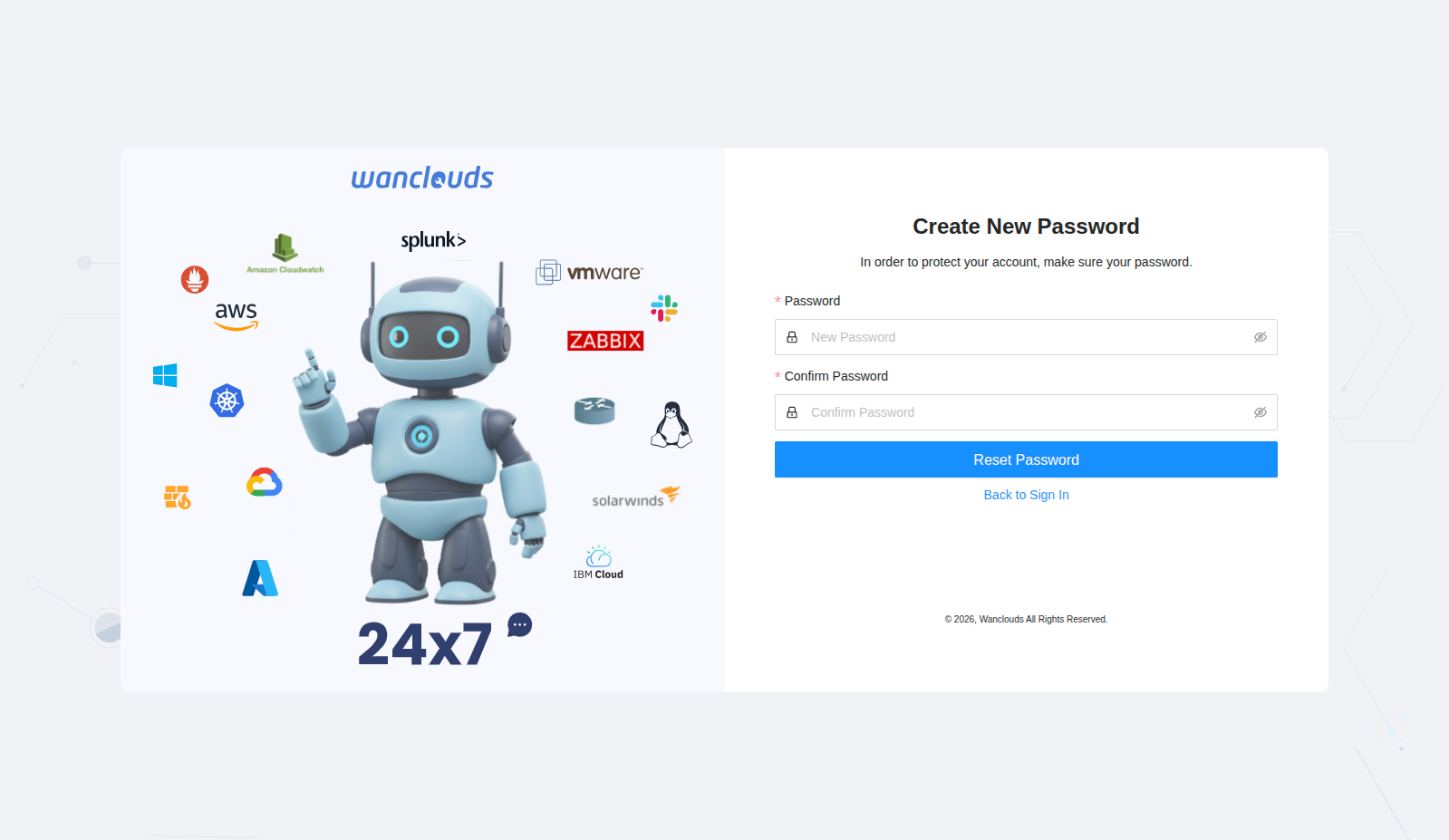
Your password will be updated. You can then log in with your email and the new password.
info
The reset link in the email expires after 24 hours for security reasons. If it has expired, start the process again from the Forgot Password link.
Still Having Issues?
- Confirm you are using the correct email address for your account.
- Wait a few minutes and try again in case the email is delayed.
- Contact support if the reset email does not arrive within 15 minutes.
- Check that your email provider is not blocking messages from Wanclouds AI.